


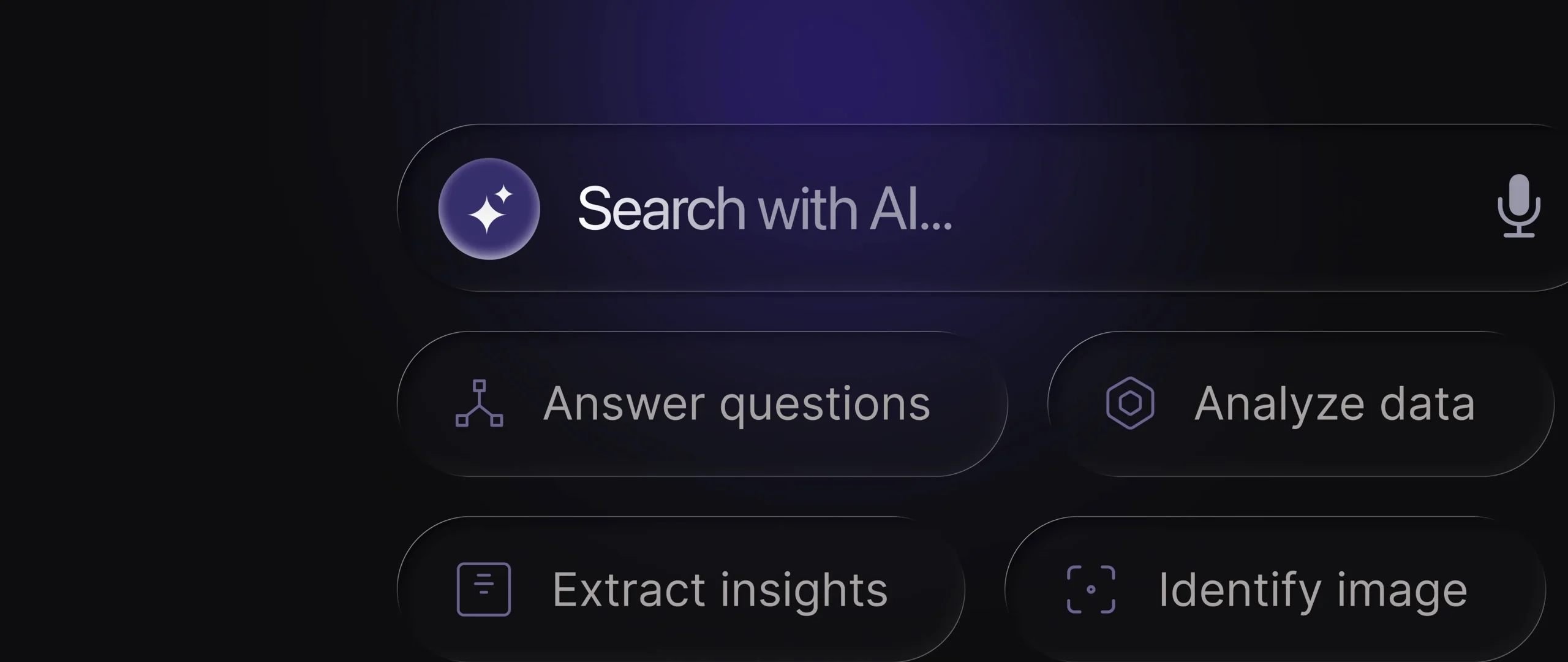
The problem: old search feels broken
If your product still relies on keyword-based search, your users are running into friction:
- They don’t remember exact file names. They remember context.
- Mistype a keyword, and they get zero results.
- Search feels like a dead end instead of a helpful assistant.
This isn’t just a usability issue. It impacts trust. If your app can’t surface obvious answers, users lose confidence and churn faster.
According to a recent study by Nielsen Norman Group, AI-generated overviews now top most search-result pages and siphon off attention like never before. This means that users often no longer need or even want to click through to your content to get answers.


What AI era search behavior looks like
Generative AI has set new expectations. Users now assume they can ask for what they want in plain language and get results that make sense.
Instead of:
- “Report Q2.pdf” → They’ll type: “Show me the latest quarterly report.”
- “Transaction #80293” → They’ll type: “Where did my $300 go last Friday?”
And they expect context-aware results: by author, by date, or by related content, not just literal matches.
For example, Notion AI lets users type “Summarize all meeting notes from last week” instead of hunting for a specific page. That feels natural because it mirrors how they’d ask an LLM tool.

The secret to search that feels magical
The part that most product teams miss is that the best in-app search doesn’t stop at finding. It also helps users act. For example:
- “Find design files for the launch campaign”
- Followed by: “Would you like me to organize them into a new folder?”
This is where search moves from being a passive lookup tool to becoming a proactive assistant built into the workflow. That’s what really sets your product apart.

What this means for your product’s UX
If users are already benchmarking your app against LLMs, your product experience has to adapt. Here’s what that means in practice:
- Design for natural questions, not commands. Your interface should welcome queries like “Show me the latest quarterly report,” not punish users for missing a keyword.
- Structure results for clarity. AI-trained users expect context, not just a raw keyword dump.
- Make copy conversational. Microcopy should feel closer to how people “talk to AI,” rather than robotic labels or menu text.
- Build trust into every result. When your app suggests or summarizes something, show sources and give users an easy way to verify.
- Watch new discovery patterns. Analytics will start showing queries that look more like prompts than keywords. Use that to refine both your UX and your data structures.

We’ve successfully explored and tested these ideas with various clients — you can read all about it on our Intelligent Experiences page.
Our step-by-step approach for founders
If you’re planning to add AI search to your app, consider this roadmap:
- Map user frustrations → Identify where search is broken today.
- Prototype lightweight AI search → Don’t overhaul everything. Start small.
- Test transparency → Ensure results are verifiable and not misleading.
- Integrate with workflows → Let users do things right from search.
- Iterate with feedback → Watch how users actually use it, then refine.
Quick product scenarios
Let’s make it real with a few examples:
- Fintech app
Old: User searches “Invoice #1092”
New: User types “Find the last invoice I sent to Sarah in June.” - E-learning tool
Old: Search “UX module 3”
New: Search “Which lessons cover accessibility best practices?” - Caregiving platform
Old: Search for “Medication reminders”
New: Ask, “When is Mom’s next dose of medication due?”

Each case shows how AI-style queries lower friction and make your product feel smarter.
The bottom line for product teams
AI is changing not only how users discover products, but how they use them. Inside apps, users now expect:
- Search that works like a conversation
- Context-aware results, not keyword matches
- Actionable suggestions, not static lists
- Trustworthy answers they can verify
For product founders, this is both a challenge and an opportunity.
If you rethink in-app search now, you can:
- Increase retention by reducing frustration
- Differentiate your product with a smarter UX
- Meet users where their habits already are
How is AI changing in-app search?
Users expect natural, conversational queries instead of rigid keywords. They want contextual, trustworthy, and actionable results.
Why does this matter for product retention?
Poor search creates frustration and erodes trust. AI-powered search reduces cognitive load and helps users complete tasks faster, which drives retention.
What’s the biggest design risk with AI search?
Hallucinations. If AI returns incorrect or unverifiable results, users lose trust. Always show sources and offer transparency.
How should founders start?
Map current frustrations, launch a lightweight prototype, test for trust and usability, then iterate with real user feedback.

Sahar Asif
Studio Head

