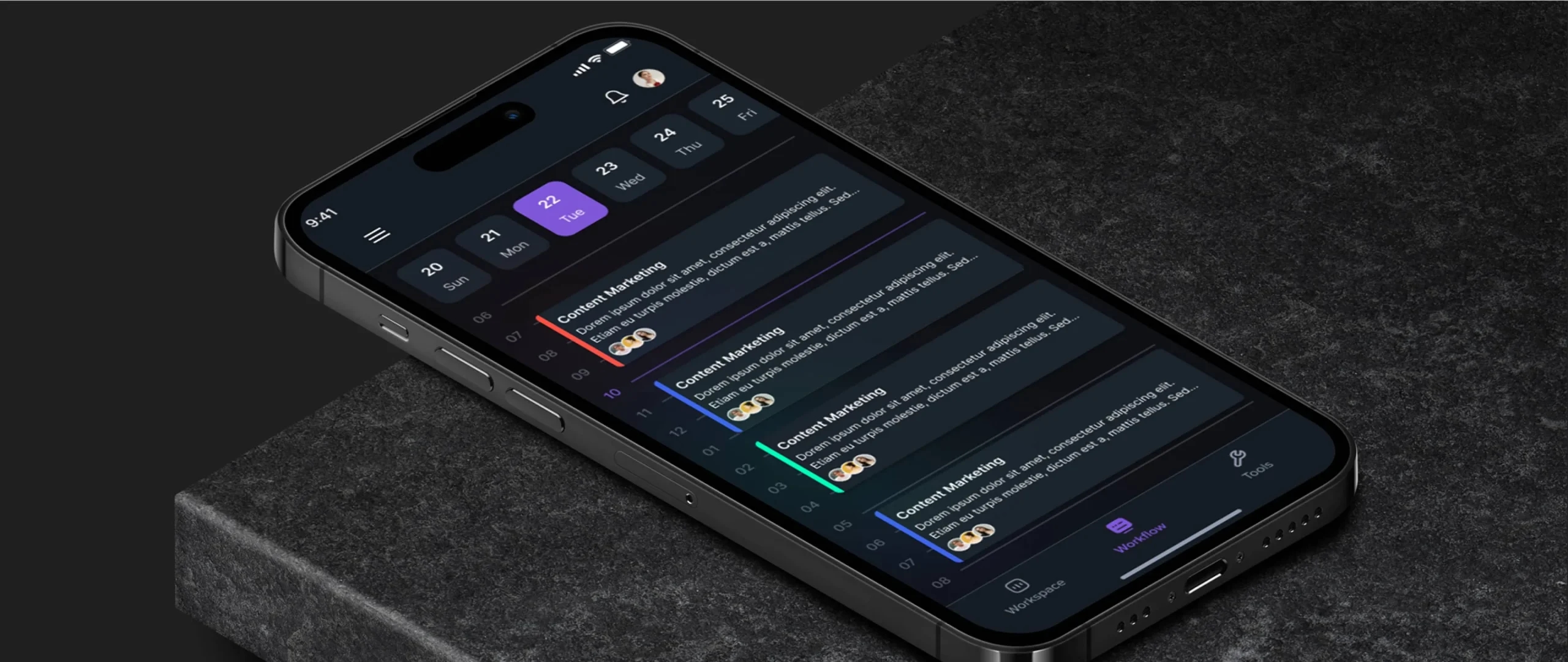
What is UX UI Modernization?
UX/UI modernization is the process of updating and improving the user experience (UX) and user interface (UI) of a digital product or application.
It’s all about giving your app or website a fresh look and feel to meet the changing needs and expectations of users in today’s fast-paced digital world.

The main goal of UX/UI modernization is to enhance the overall user experience, making it more intuitive, engaging, and efficient.
This involves analyzing user feedback, conducting usability tests, and incorporating design principles and best practices to create a more user-friendly interface.
UX/UI modernization may include various aspects, such as:
Visual Design
Updating the visual elements, including color schemes, typography, icons, and graphics, to create a more visually appealing and cohesive interface.
Information Architecture
Evaluating and optimizing the organization and structure of information within the application, ensuring easy navigation and efficient access to content.
Interaction Design
Enhancing the interactive elements, such as buttons, forms, menus, and animations, to provide smoother and more intuitive user interactions.
Responsiveness
Adapting the application’s design to be responsive and mobile-friendly, ensuring a seamless experience across different devices and screen sizes.
Accessibility
Incorporating accessibility features to ensure that the application is usable by individuals with disabilities, conforming to accessibility guidelines and UX standards.
Performance Optimization
Improving the speed and performance of the application to minimize loading times and provide a smooth and responsive user experience.
User Testing
Conducting usability testing and gathering user feedback as part of UX Consulting and Audit Services to identify pain points, areas for improvement, and opportunities to enhance the user experience.
Overall, UX/UI modernization aims to align the application’s design with current design trends, industry standards, and user expectations, ultimately leading to improved user satisfaction, increased engagement, and potentially driving business growth.

How to Understand Its Time for UX UI Modernization?
Understanding when it’s time for ui modernization / ux modernization is crucial for staying competitive and meeting user expectations. Here are some key indicators that can help you determine if your application or website is due for a UX/UI overhaul:

User Feedback and Complaints
Pay attention to user feedback, complaints, and requests for improvements. If you consistently receive feedback about confusing navigation, difficulty in completing tasks, or dissatisfaction with the overall user experience, it may be a sign that your UX/UI needs attention.
Declining User Engagement Metrics
Monitor user engagement metrics such as bounce rate, session duration, and conversion rates. A significant decline in these metrics may indicate that users are finding it difficult or unappealing to interact with your application or website.
Outdated Design
If your UI looks outdated, uses old design patterns, or lacks a cohesive visual style, it may be time for modernization. Users are accustomed to seeing aesthetically pleasing and visually engaging interfaces, and outdated designs can create a negative impression.
Technological Advancements
Keep an eye on technological advancements and emerging UX/UI trends. If your application or website is not leveraging new technologies, incorporating responsive design, or following modern design principles, it may be falling behind the competition.
Evolving User Expectations
User expectations and behaviors change over time. What was considered good UX/UI a few years ago may no longer meet current standards. Stay updated on user preferences, industry benchmarks, and best practices to ensure that your UX/UI remains relevant and meets evolving expectations.
Compatibility Issues
If your application or website faces compatibility issues on different devices or browsers, it’s a clear sign that UX/UI modernization is needed. Users should be able to access and navigate your platform seamlessly regardless of the device they use.
Slow Performance
Slow loading times, laggy interactions, or frequent crashes can frustrate users and lead to abandonment. Optimizing performance and ensuring a smooth user experience are vital aspects of UX/UI modernization.
Business Goals and Strategy
Assess whether your current UX/UI aligns with your business goals and strategy. If your objectives have shifted, your target audience has changed, or you’re expanding into new markets, a UX/UI refresh may be necessary to cater to the evolving needs of your business and customers.
Competitive Analysis
Conduct a competitive analysis to see how your competitors’ UX/UI compares to yours. If they have more modern and user-friendly interfaces, it’s a strong indicator that you should invest in UX/UI modernization to remain competitive.
Expert Evaluation
Seek input from UX/UI experts or conduct usability testing to gain objective insights into the strengths and weaknesses of your current UX/UI. Their evaluations can help identify specific areas that require improvement and guide your modernization efforts.
Why is UX UI Modernization Important?
UX/UI modernization is important because it enhances user satisfaction, improves usability, drives engagement and business growth, keeps up with industry standards, and ultimately contributes to the success of the application or website. Furthermore, UX UI modernization is important for several reasons:
- It improves user satisfaction by providing a more intuitive and seamless experience.
- It enhances usability, making it easier for users to navigate and accomplish their tasks.
- It increases user engagement, encouraging users to spend more time on the application or website.
- It helps meet evolving user expectations, keeping up with design trends and industry standards.
- It boosts conversion rates and customer retention by creating a positive user experience.
- It drives business growth by attracting new users and retaining existing ones.
- It aligns the application with modern technology and platforms, ensuring compatibility and optimal performance.
- It helps stay competitive in the digital marketplace by offering a visually appealing and user-friendly interface.
- It reduces support and maintenance costs by addressing usability issues and streamlining processes.
- It demonstrates a commitment to continuous improvement and customer-centricity.
Real-world Examples
Spotify
Spotify is a music streaming service that has undergone several successful UI/UX modernizations over the years. One of the most notable changes was the introduction of the “Your Library” tab in 2017. This tab made it easier for users to find and manage their saved music. Spotify has also made changes to its search function, making it more powerful and accurate. And in 2021, Spotify introduced a new design for its desktop app, which is more modern and streamlined.
Netflix
Netflix is a video streaming service that has also undergone several successful UI/UX modernizations over the years. One of the most notable changes was the introduction of the “My List” feature in 2009. This feature made it easier for users to keep track of the shows and movies they wanted to watch. Netflix has also made changes to its recommendation algorithm, making it more accurate and personalized. And in 2021, Netflix introduced a new design for its mobile app, which is more modern and user-friendly.
Google is a technology company that has undergone several successful UI/UX modernizations over the years. One of the most notable changes was the introduction of the “Google Material Design” language in 2014. This design language made Google’s products more visually appealing and consistent. Google has also made changes to its search algorithm, making it more accurate and relevant. And in 2021, Google introduced a new design for its Gmail app, which is more modern and user-friendly.
Apple
Apple is a technology company that has undergone several successful UI/UX modernizations over the years. One of the most notable changes was the introduction of the “iOS Human Interface Guidelines” in 2010. These guidelines helped to create a consistent and user-friendly experience across all of Apple’s iOS devices. Apple has also made changes to its macOS operating system, making it more modern and streamlined. And in 2021, Apple introduced a new design for its Safari web browser, which is more modern and user-friendly.
Understand Your End Users:
Understanding your end users is a critical aspect of UX/UI design and plays a crucial role in creating a successful and user-centric application or website. By gaining insights into your target audience, their needs, preferences, and behaviors, you can design an experience that meets their expectations and enhances their satisfaction. Here are some key steps to help you understand your end users:
Conduct User Research
Start by conducting thorough user research to gather qualitative and quantitative data about your target audience. This can involve surveys, interviews, focus groups, and analytics to gain insights into their demographics, behaviors, goals, motivations, and pain points.
Create User Personas
Use the data collected during research to create user personas. User personas are fictional representations of your typical users, representing their characteristics, goals, and behaviors. Personas help you empathize with your users and make informed design decisions that cater to their specific needs.

Map User Journeys
User journey mapping involves visualizing the steps and interactions users go through when using your application or website. By mapping out the user journey, you can identify pain points, opportunities for improvement, and areas where your UX/UI can add value to the user experience.
Conduct Usability Testing
Usability testing allows you to observe how users interact with your application or website in a controlled environment. By observing their actions, collecting feedback, and measuring their satisfaction, you can uncover usability issues and make iterative improvements to enhance the user experience.

Analyze User Feedback
Actively seek and analyze user feedback through channels such as customer support, feedback forms, app store reviews, or social media. Pay attention to common complaints, suggestions, and positive feedback to gain insights into user perceptions and areas for improvement.
How to Successfully Modernize UX?
Unlock a seamless user experience by strategically incorporating the ‘modernize UI‘ approach into your website redesign, ensuring a contemporary and user-friendly interface
Implementing UX/UI modernization involves several steps to ensure a successful update. Here’s a step-by-step guide to help you through the process:

Define Objectives
Begin by clearly identifying the objectives you want to achieve through the UX/UI modernization. Determine the specific problems you aim to solve, such as enhancing user satisfaction, improving conversion rates, or streamlining workflows.
User Research
Conduct thorough user research to gain insights into your target audience’s needs, preferences, and pain points. Use various research methods such as surveys, interviews, and usability testing to gather valuable data.
Competitor Analysis
Analyze your competitors’ applications and identify areas where they excel or fall short in terms of UX/UI. This analysis can provide inspiration and help you identify opportunities for improvement.
Establish UX/UI Guidelines
Develop a set of UX/UI guidelines or principles that align with your brand identity and objectives. These guidelines will serve as a reference for your design decisions throughout the modernization process.
Information Architecture
Create a clear and intuitive information architecture for your application. Determine the hierarchy and organization of content to ensure users can easily navigate and find what they need.
Wireframing and Prototyping
Use wireframing and prototyping tools to create low-fidelity and high-fidelity prototypes of your updated UI/UX. This step allows you to visualize the user flow, interactions, and screen layouts before moving into full development.
Iterative Design Process
Adopt an iterative design process where you gather feedback from users, stakeholders, and UX/UI experts at each stage. Continuously refine and improve your designs based on the feedback received.
Visual Design
Develop a visually appealing and cohesive design system that aligns with your brand identity. Pay attention to typography, color palettes, icons, and other visual elements to create a polished and consistent UI.
Front-End Development
Collaborate closely with front-end developers to ensure the smooth implementation of your updated UI/UX. Provide them with design specifications and guidelines to maintain consistency.
Usability Testing
Conduct usability testing with real users to evaluate the effectiveness and efficiency of your updated UI/UX. Gather feedback on the usability, intuitiveness, and overall user experience to identify any areas that need further refinement.
Deployment and Monitoring
Once your updated UI/UX is implemented, closely monitor its performance and gather user feedback. Continuously iterate and make improvements based on user insights to ensure a positive user experience.
Ongoing Maintenance
UX/UI modernization is an ongoing process. Stay up to date with evolving design trends, user expectations, and technological advancements. Regularly review and update your UI/UX to maintain its effectiveness and relevance.
What are the problems that we face in UI UX Modernization?
During the process of UX UI modernization, you may encounter several challenges and problems. Here are some common issues that organizations often face:
Resistance to Change
One of the primary challenges is resistance to change from stakeholders or team members who may be comfortable with the existing UI/UX. Convincing them of the benefits and necessity of modernization can be a hurdle.
Legacy Systems and Technical Constraints
If your application is built on a legacy system or outdated technology, it may present technical constraints that make it challenging to implement modern UI/UX practices. Integrating new designs and functionalities with the existing infrastructure can require additional effort.
Lack of User Adoption
Introducing a new UI/UX design may lead to a learning curve for users. If the updated interface is not intuitive or lacks proper user onboarding, users may struggle to adopt the changes, resulting in frustration and resistance.
Balancing Aesthetics and Functionality
Achieving a balance between a visually appealing interface and maintaining the required functionality can be challenging. Prioritizing one aspect over the other may negatively impact the overall user experience.
Consistency Across Platforms
If your application is available on multiple platforms (e.g., web, mobile, desktop), ensuring a consistent and cohesive user experience across all platforms can be demanding. Adapting designs and interactions to different screen sizes and interaction patterns requires careful consideration.
Scalability and Performance
Modern UI/UX design elements may involve more complex interactions and visual effects. Implementing these features while maintaining performance and scalability can be a technical challenge, particularly on resource-limited devices or slower network connections.

Conclusion
In a world where user experience and design are constantly evolving, it’s important to know when it’s time to give your UX/UI a much-needed makeover. So, how do you understand if it’s time for UX/UI modernization? Well, listen to your users, folks! If they’re constantly banging their heads against the wall trying to navigate your confusing interface, it’s a clear sign that something needs to change.
But wait, there’s more! If your engagement metrics are plummeting faster than a lead balloon, it’s time to put on your UX detective hat and figure out what’s causing the mass exodus. Maybe your design looks like it’s straight out of the ’90s, or perhaps your users are just tired of playing hide-and-seek with essential features.


Ahmad Ullah
Principal UX Designer