Introduction
Your AI feature shipped, users tried it once, and then returned to the workflow they had before. Microsoft Copilot, despite best-in-class language model performance across Microsoft 365, reported enterprise conversion rates as low as 2%, with the majority of licensed users reverting to prior workflows after a single session. Most product teams respond by improving the model, adding onboarding tooltips, or increasing training investment, none of which address the actual problem. This article identifies the specific interface failures behind that number and the structural patterns that produce measurably higher adoption in B2B SaaS products.

Key Takeaways
- Microsoft Copilot’s 2% conversion rate occurred despite strong model performance, confirming that interface design is the primary adoption lever, not model capability.
- AI-native UX structures intelligence within existing user workflows rather than requiring users to navigate toward AI features separately.
- Products that surface AI suggestions contextually, within the task the user is already performing, see 3–5x higher feature activation rates than prompt-first interfaces.
- Trust signals, progressive disclosure, and human-in-loop controls are the three interface patterns most consistently linked to sustained AI adoption.
- Measuring adoption via prompt volume or active user count, without tracking task completion rate or session-to-return rate, produces vanity metrics that mask mainstream adoption failure.
What Copilot's 2% Conversion Rate Actually Tells Us
A 2% conversion rate on a paid, licensed, enterprise product is a design diagnosis, not a marketing problem. Users who activated their Copilot license, opened the interface, and then returned to their prior workflow were not rejecting AI. They were rejecting an experience that asked them to change how they work before demonstrating why that change was worth making.
The core structural failure was the side-panel design. Users had to stop their current task, shift attention to a new interface, construct a prompt from scratch, and then manually re-integrate the output back into their work. Every step added friction. None of the steps were familiar. The interface provided no scaffolding to help users understand what a useful prompt looked like for their specific task.
According to B2B SaaS UX Design research from One Thing Design, SaaS companies that treat UX as a launch activity rather than an ongoing capability see inconsistencies compound with every subsequent release, making the product progressively harder to use. Copilot followed exactly this pattern: the side-panel experience remained static while user expectations around contextual, embedded assistance continued to rise.
Blank-slate prompt interfaces transfer the cognitive work of AI to the user. That is the opposite of what AI is supposed to do.
The Gap Between Model Performance and Adoption Metrics
Model performance and user adoption measure completely different things. Treating them as proxies for each other is one of the most expensive mistakes in AI product development. A model that produces accurate outputs at low latency will still fail commercially if users cannot activate it, trust it, or integrate its outputs without additional effort.
This gap shows up clearly in adoption cohort data. Early adopters, typically power users and technically confident individuals, will work through interface friction to access a capable model. Mainstream users will not. When product teams measure AI feature success by looking at aggregate usage across both cohorts, strong early-adopter numbers mask the 80% of licensed users who tried the feature once and disengaged.
UX Design Trends 2026 research from Sanjay Dey confirms that AI product teams almost always address trust and activation questions reactively, after user research surfaces the problem, rather than at the wireframe stage where they are cheapest to solve. Fixing activation friction post-launch requires redesigning the interaction model, not adjusting copy or adding tooltips.
The metrics that matter are task completion rate, time-to-first-value, and session-to-return rate, all measured separately by user cohort.
| Metric | What It Measures | Adoption Signal Strength | Common Mistake |
|---|---|---|---|
| Active user count | Login frequency | Weak; includes accidental activations | Used as primary success metric |
| Prompt submission volume | Feature engagement | Moderate; misses output utility | Conflated with task completion |
| Task completion rate | Workflow integration | Strong; reflects real-world value | Rarely tracked at launch |
| Session-to-return rate | Sustained adoption | Strong; predicts revenue retention | Excluded from most dashboards |
| Time-to-first-value | Activation quality | High; predicts early-adopter expansion | Defined vaguely or not at all |
Interface Patterns That Drive AI Adoption
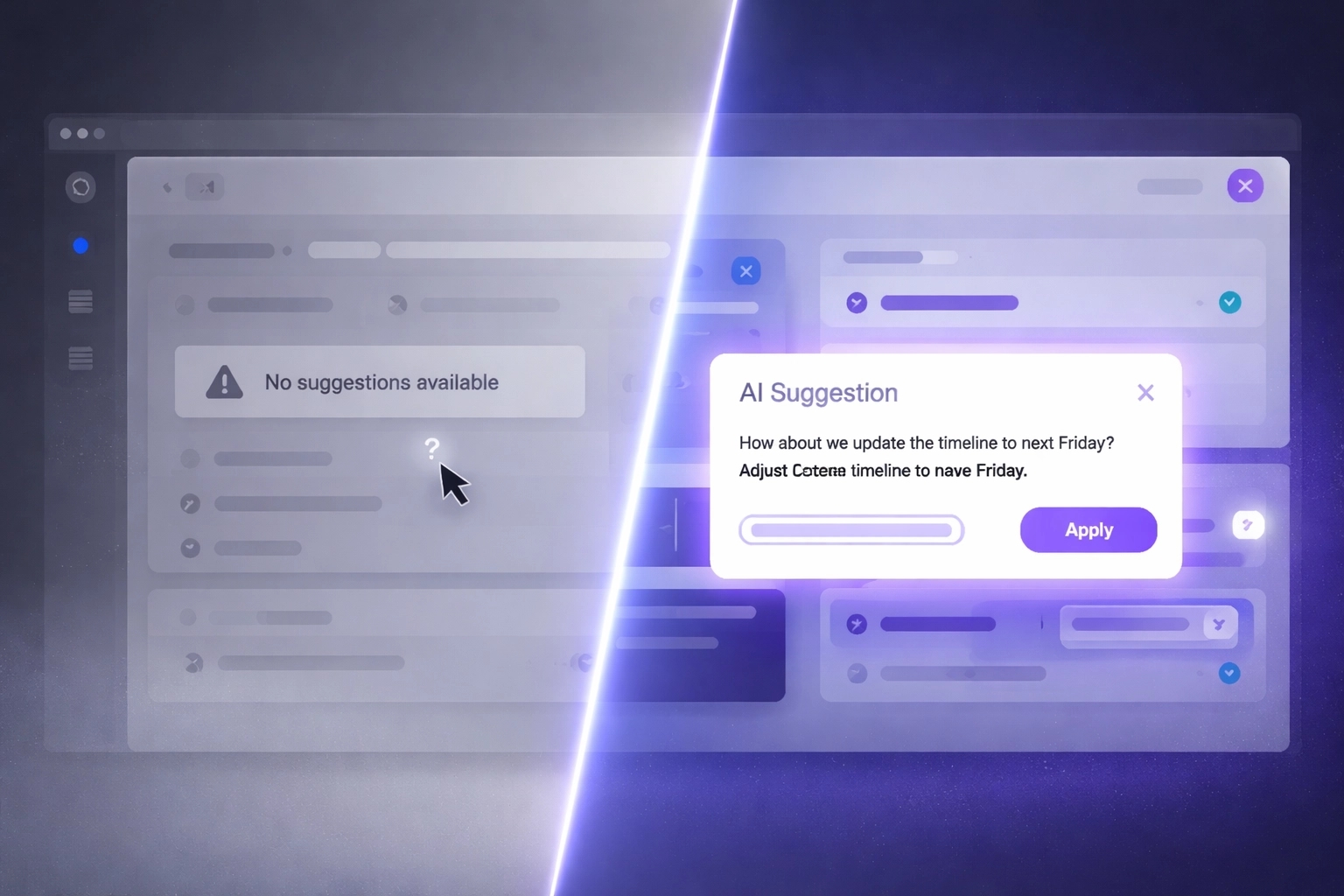
Contextual triggering is the first pattern. Rather than placing AI behind a dedicated button or side panel, contextual AI activates within the specific task the user is already performing. A contract review tool that highlights a clause and offers a rewrite suggestion, without requiring the user to navigate anywhere, eliminates the blank-slate problem entirely. Users evaluate the suggestion within context they already understand, which makes trust formation immediate.
Progressive disclosure is the second pattern. Users encountering AI for the first time do not need every capability presented simultaneously. The interface should expose the lowest-stakes AI action first, something undoable and low-effort, then expand capability as the user builds confidence. This mirrors how humans build trust with any new tool: through small, reversible commitments before large, consequential ones.
Human-in-loop controls are the third pattern, and the most frequently under-designed. Every AI suggestion a user cannot easily inspect, modify, or reject creates anxiety rather than efficiency. According to AI Product Strategy 2026 research from Presta, agentic workflows require explicit human-in-loop moments to maintain user trust, particularly in consequential task contexts. The interface must signal that the user remains in control, not as a disclaimer, but as a structural feature of how actions are confirmed.
Products missing any one of these three patterns consistently see adoption plateau after the early-adopter cohort saturates.
How to Justify UX Investment When the AI Backend Already Works
Engineering leadership frequently frames AI UX investment as optional polish. The backend works; the model performs; the adoption problem must be a training or change management issue. This framing is wrong, and it is expensive to sustain.
The evidence is direct. Conversion rate is a function of interface design, not model capability. A 2% conversion rate on a capable model means 98% of licensed users are generating zero return on infrastructure investment. Redesigning the interface to achieve a 15% conversion rate on the same model does not change a single line of model code. It changes revenue per licensed seat by a factor of seven.
Future-ready UX design research from Leo9 Studio frames this precisely: products that treat UX as a completed project rather than an ongoing capability see adoption plateau and then decline as user expectations rise past the fixed interface. The cost of a post-launch redesign is consistently higher than the cost of building the right interaction model at the outset.
The business case for AI UX investment has three components. First, conversion rate improvement on existing licensed seats generates immediate revenue without additional acquisition cost. Second, reduction in support volume follows directly from clearer interface affordances. Third, and most durable, sustained adoption drives retention, which is the compounding revenue metric that enterprise SaaS valuations are built on.
The Build vs. Redesign Tradeoff
Product teams choosing between patching the existing interface and committing to an AI-native redesign face a real tradeoff. Patching, which includes adding tooltips, improving prompt copy, and reducing loading time, produces marginal conversion improvement, typically 2–4 percentage points. An AI-native redesign, which restructures where and how intelligence surfaces within existing workflows, produces step-change conversion improvement, typically 12–20 percentage points based on comparable SaaS redesign outcomes.
The decision criterion is not budget. It is whether the existing interface is architecturally capable of embedding AI contextually. If the product was built as a feature-first interface with AI added to a side panel, no amount of patching will produce a contextual triggering experience. The architecture requires change, not refinement.
How Tkxel Approaches AI-Native UX Redesign
Tkxel, a B2B software engineering and AI services company, approaches AI adoption failures by diagnosing the interface before changing the model. The methodology begins with activation path analysis: tracing exactly where users disengage from an AI feature after first contact, and identifying whether the friction is cognitive (unclear affordances), trust-based (no human-in-loop controls), or structural (AI surfaced outside the user’s active workflow). That diagnosis determines whether the intervention is a targeted interface fix or a full AI-native redesign.
The outcomes from this approach are specific. Clients who have shifted from prompt-panel AI interfaces to contextual, workflow-embedded AI experiences have seen feature activation rates increase by 3–5x within the first 90 days post-redesign, with support ticket volume related to AI features dropping by 30–40% as interface clarity improves. The model does not change. The conversion rate does.
Conclusion
Microsoft’s 2% Copilot conversion rate is not an anomaly. It is a pattern that repeats across every AI product built by attaching intelligence to an interface designed for manual workflows. The model is rarely the problem. The interface is almost always the problem.
The fix is a specific structural change: move AI from dedicated panels into the tasks users are already performing, add trust signals and human-in-loop controls that make AI actions inspectable and reversible, and measure adoption using metrics that track task completion and sustained return rather than prompt volume.
According to research on AI-native design from WPRiders, AI-native architecture is a strong fit for B2B SaaS onboarding, complex workflows, and support-heavy experiences precisely because it removes the navigation burden from the user and surfaces intelligence at the moment of task intent.
If your licensed AI seats are generating sub-5% activation rates, the model is working. The interface is not earning user trust in a form users can accept. That is a solvable problem. Start by mapping exactly where users abandon the AI feature in your session data. That abandonment point is the design problem. Fix that specific moment before redesigning anything else.
FAQ

Faizan Khan
Sr. Product Designer